Hide the Word

Thy word have I in mine that I might not against thee.

Psalm 119:11 KJV

Now say it from the heart.

Hide the Word Scripture memory for Bible quizzers and anyone who wants the verse word for word.

Download on the App Store

Pick your verses. Practice them. Know them by heart.

How it works

  1. Pick your set

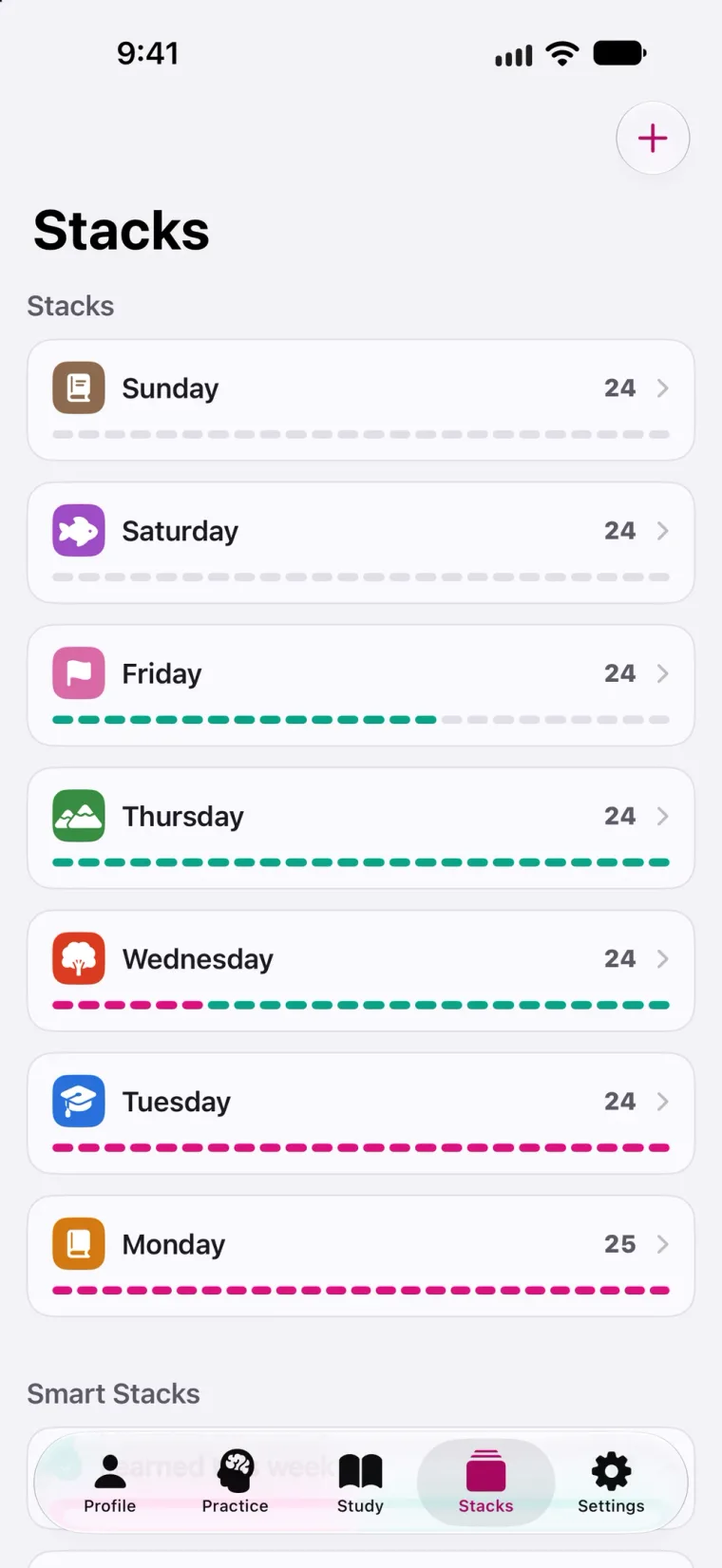
    Start with this season’s UPCI Bible Quiz set, or build your own. Split it into a stack for each day.
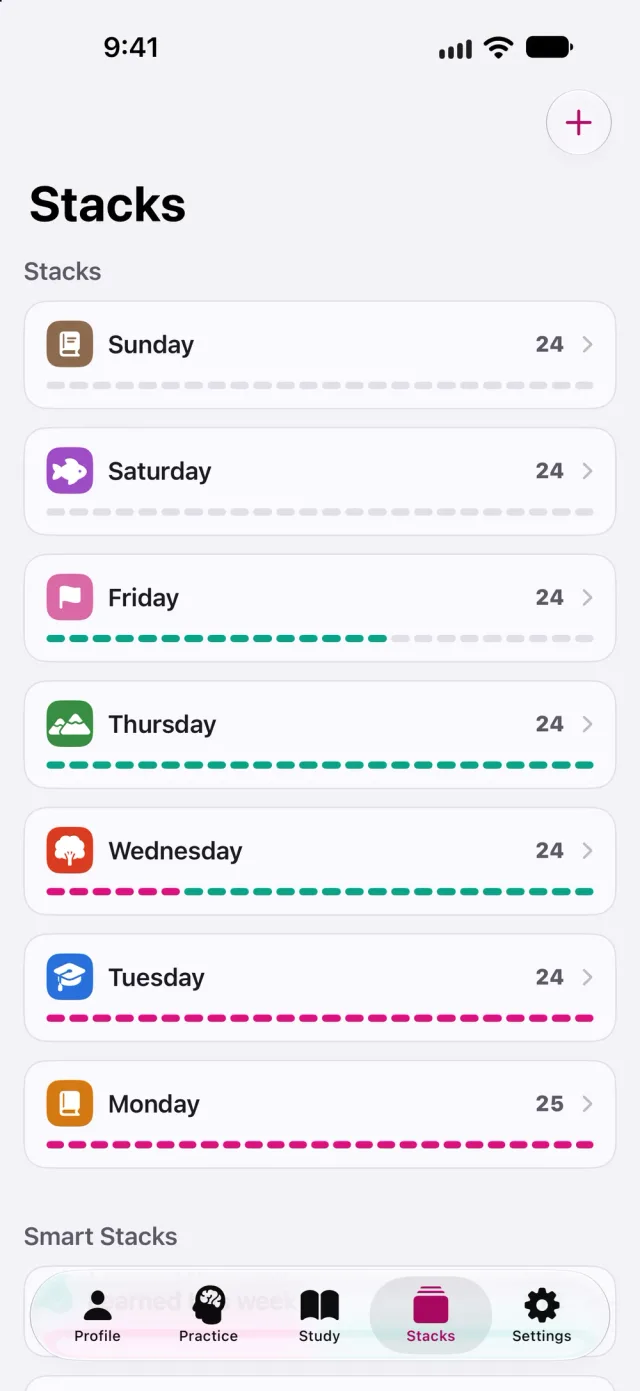
    Stacks screen with seven stacks of verses, Sunday through Monday, each with a progress bar
  2. Read it closely

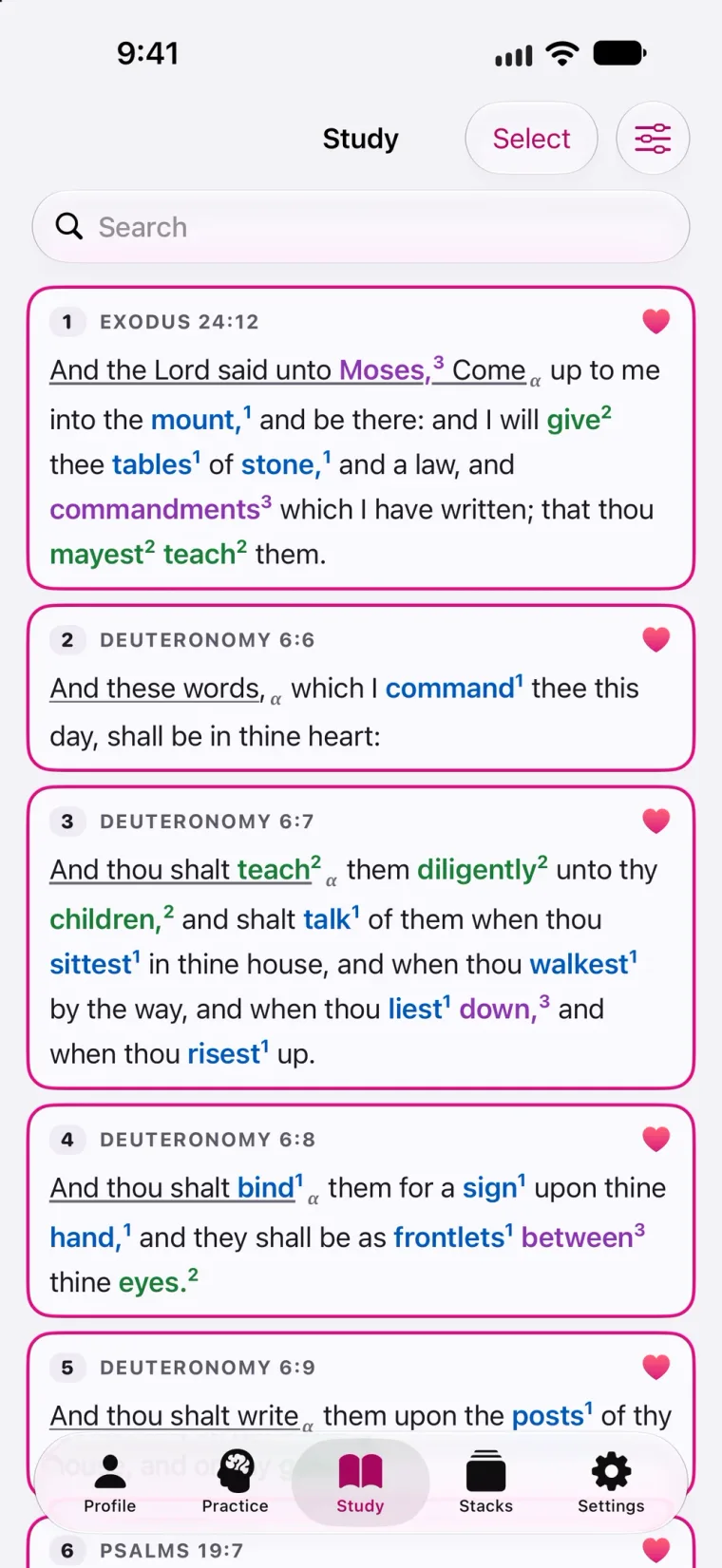
    Your verses in order, with the words worth noticing already marked.
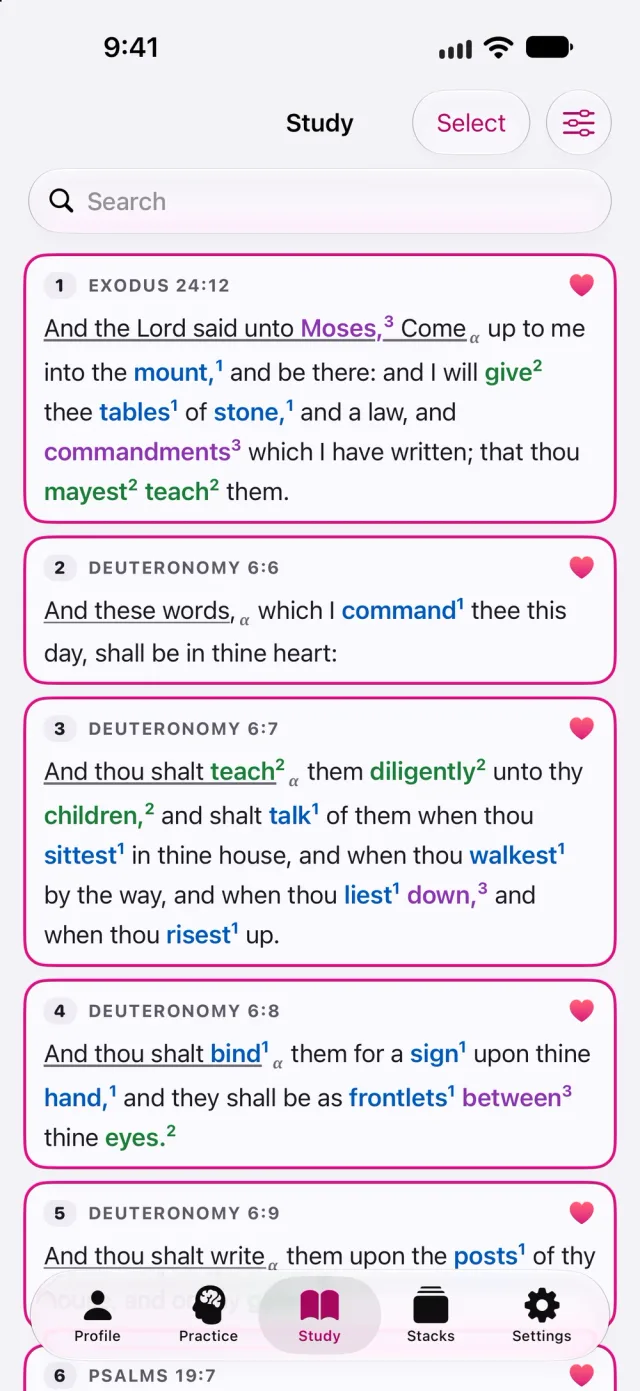
    Study list with Exodus 24:12 and Deuteronomy 6:6 to 6:9, their marked words colored and numbered, and a heart on each verse
  3. Practice

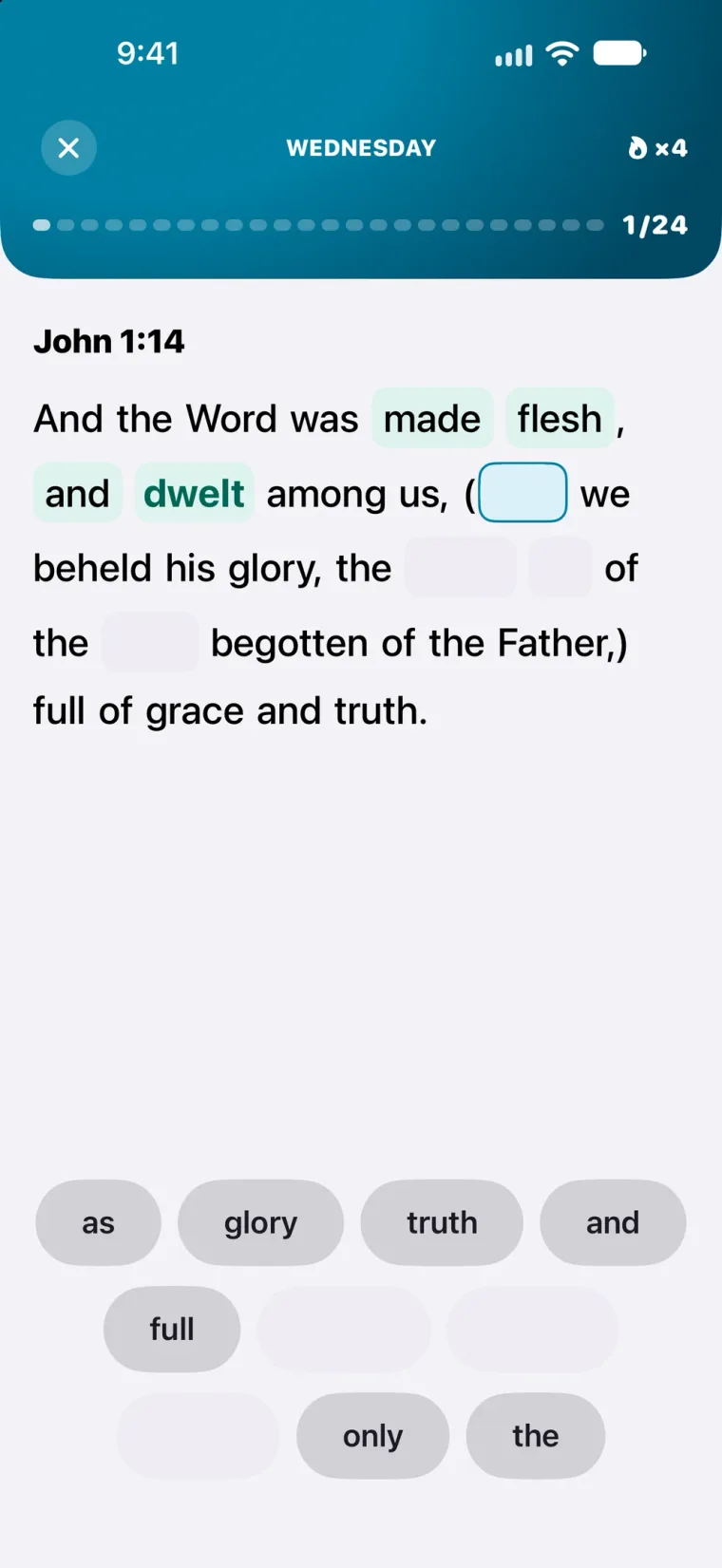
    Flashcards and games made from your own verses.
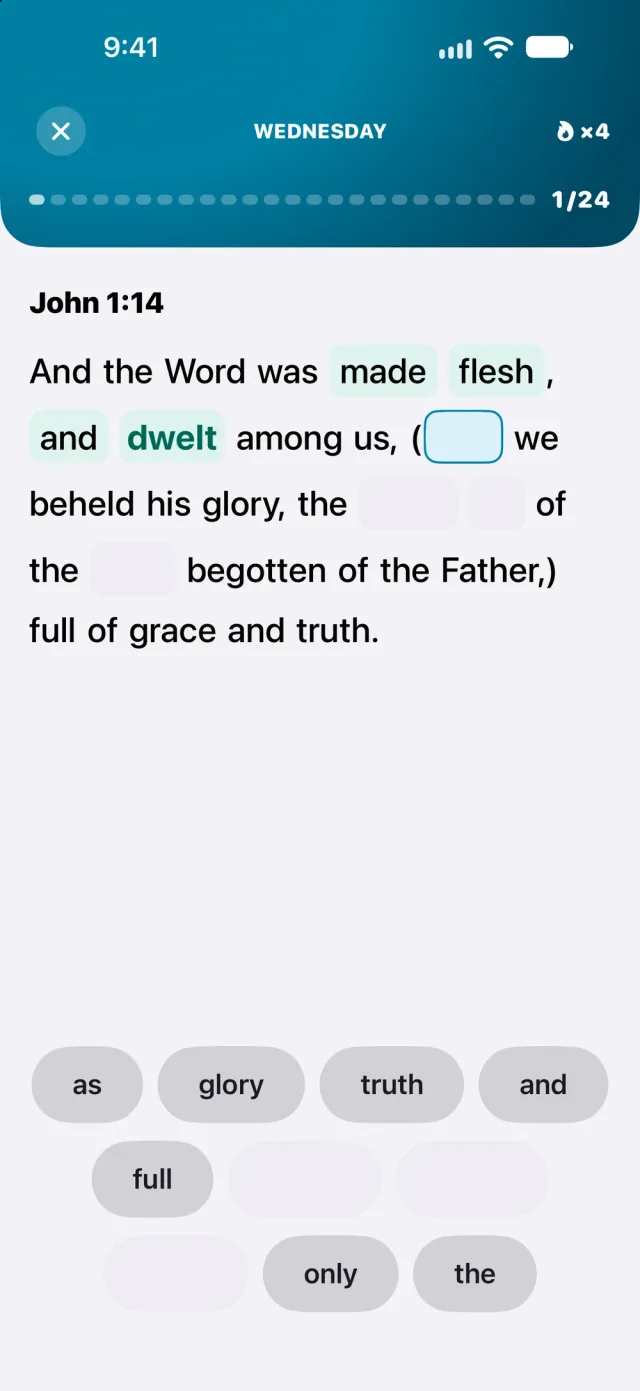
    Fill in the Blank with John 1:14: “made”, “flesh” and “dwelt” placed, the next slot waiting, and a word bank below
  4. See your progress

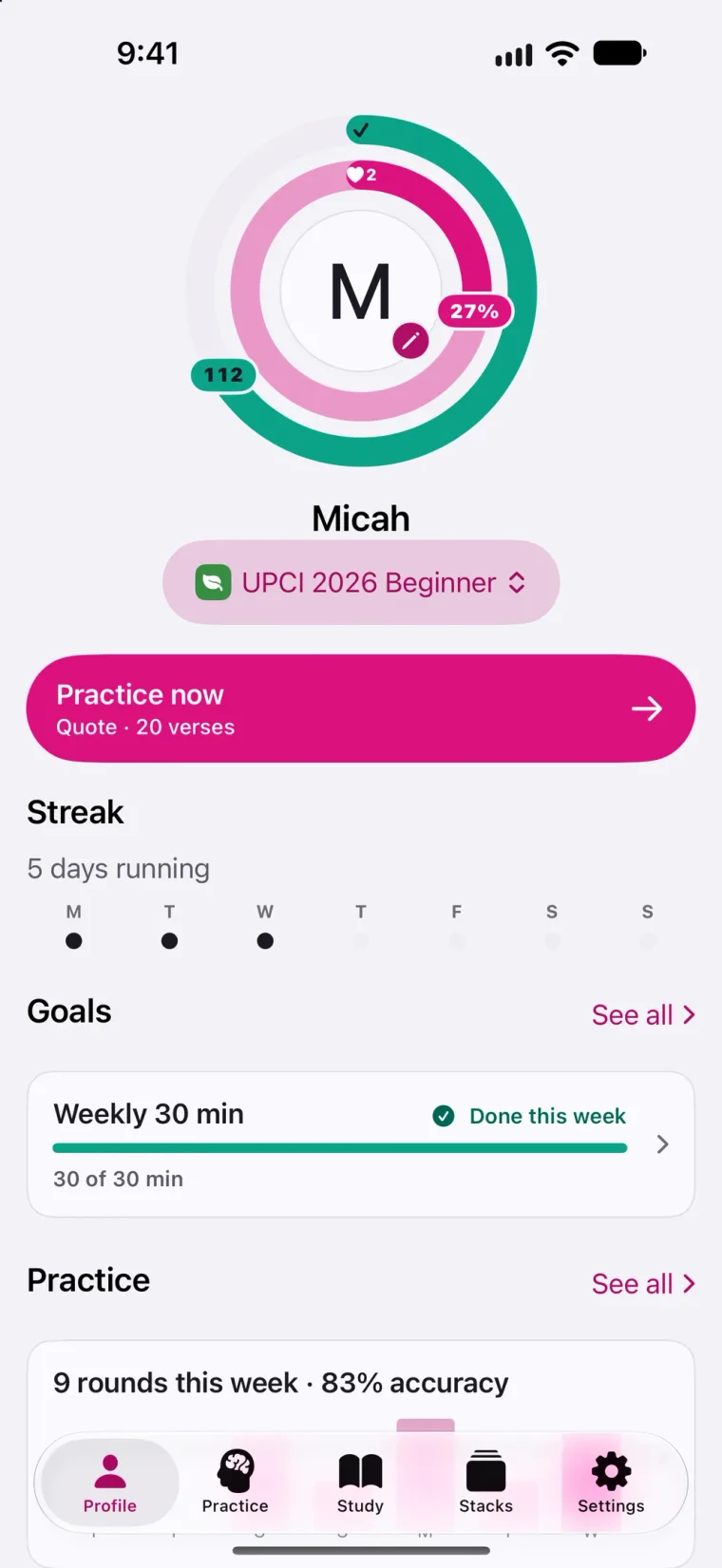
    Your profile shows how much of the set you know, your streak and your weekly goal.
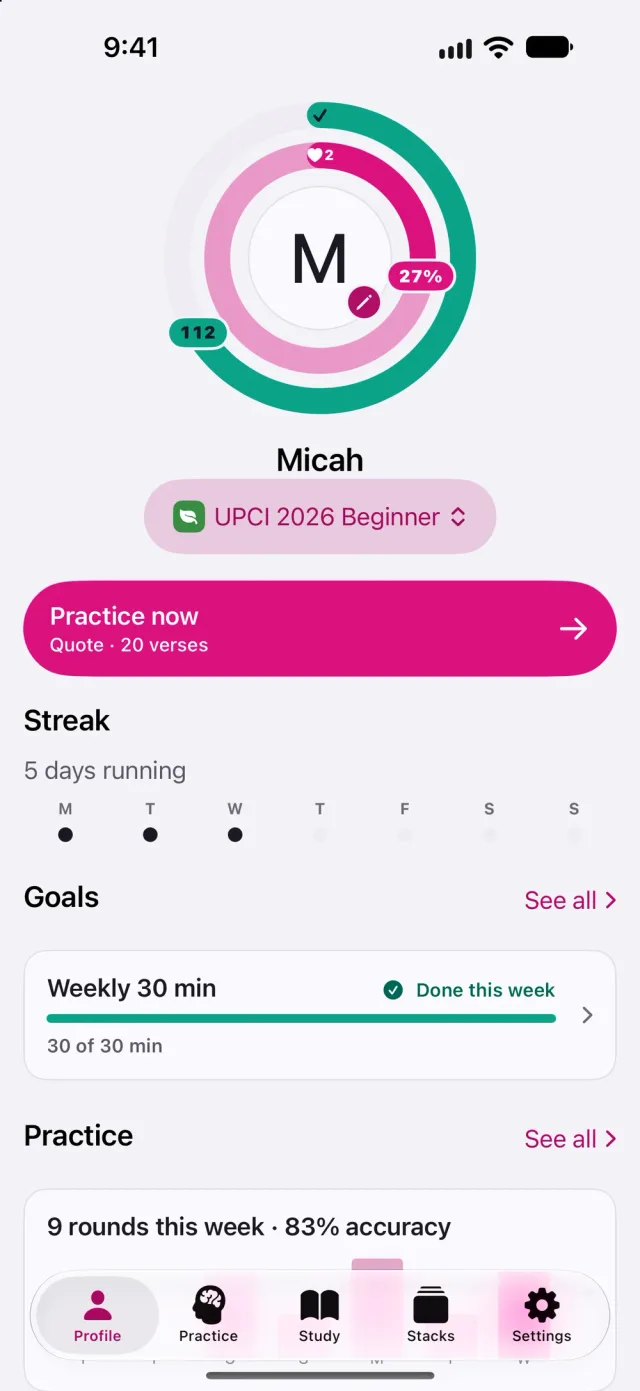
    Profile for the UPCI 2026 Beginner set: progress rings, a Practice now button, a five-day streak, a weekly goal met and nine rounds this week

Six ways to practice one verse

Every tile is drawn from Psalm 119:11. Every round is drawn from your verses.

Flashcards

One practice, three kinds of card. Test yourself one card at a time.
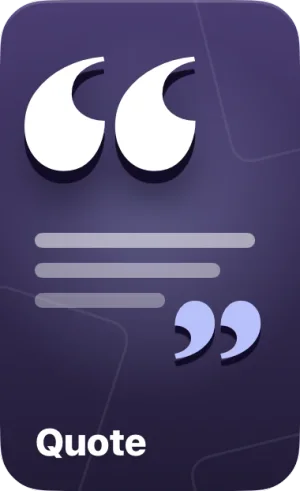
Quote tile: large quotation marks around lines of verse
See the reference, say the verse, flip to check.
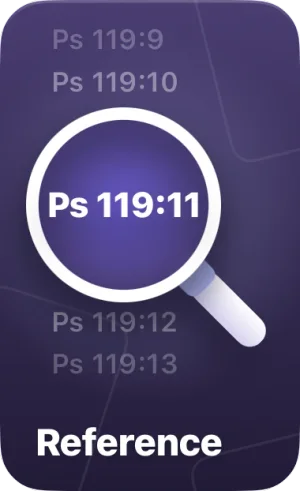
Reference tile: a magnifier over Ps 119:11 between its neighbouring references
See the verse, name where it lives.
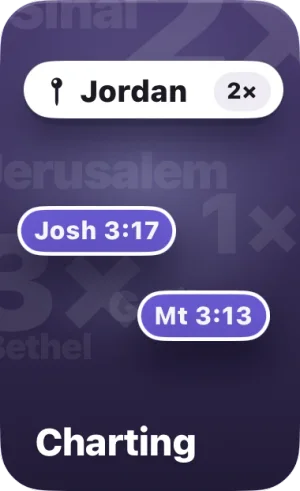
Charting tile: the place Jordan, counted twice, with Josh 3:17 and Mt 3:13 beside it
Spot patterns across a set, like words used only once.

Games

Five games, no timers. Play at your own pace.
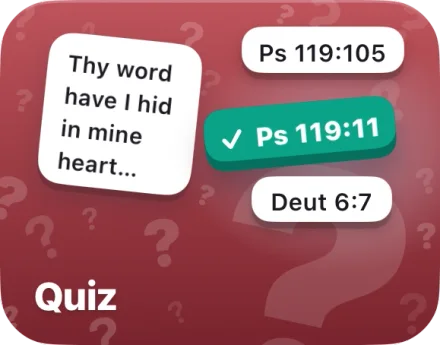
Quiz tile: the opening of Psalm 119:11 with Ps 119:11 marked correct among three references
Match a verse to its reference, or a reference to its verse.
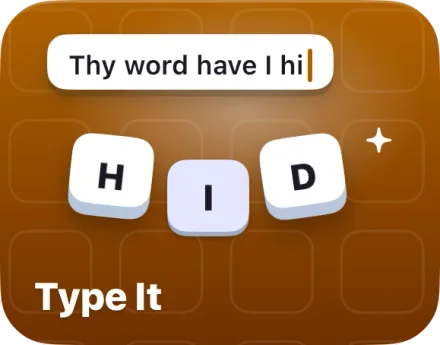
Type It tile: “Thy word have I hi” being typed, with keycaps H, I and D
Type the verse letter by letter. On iPad with a keyboard, Type It Tutor has you copy it out whole.
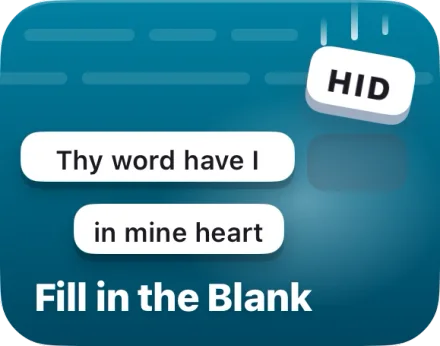
Fill in the Blank tile: the word HID dropping into an empty slot
Words drop out. Put them back from the bank.
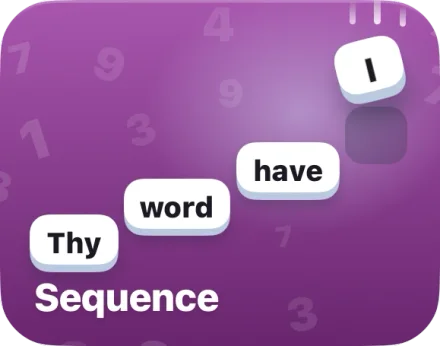
Sequence tile: Thy, word, have and I climbing into order
Build the verse word by word, in order.
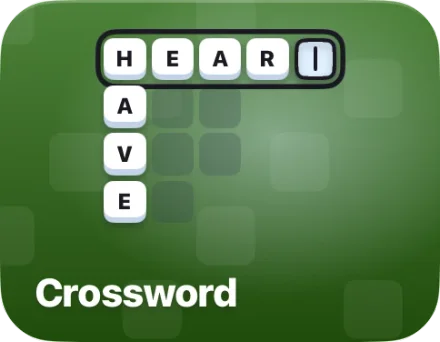
Crossword tile: H, E, A and R across with the last cell waiting, and HAVE down
A board built from the verse’s own words.

Hidden in your heart

Keep practicing a verse and its heart fills in. A full heart means you know it by heart.

On iPad

The same app with more room. Add a keyboard and answers get keycaps.
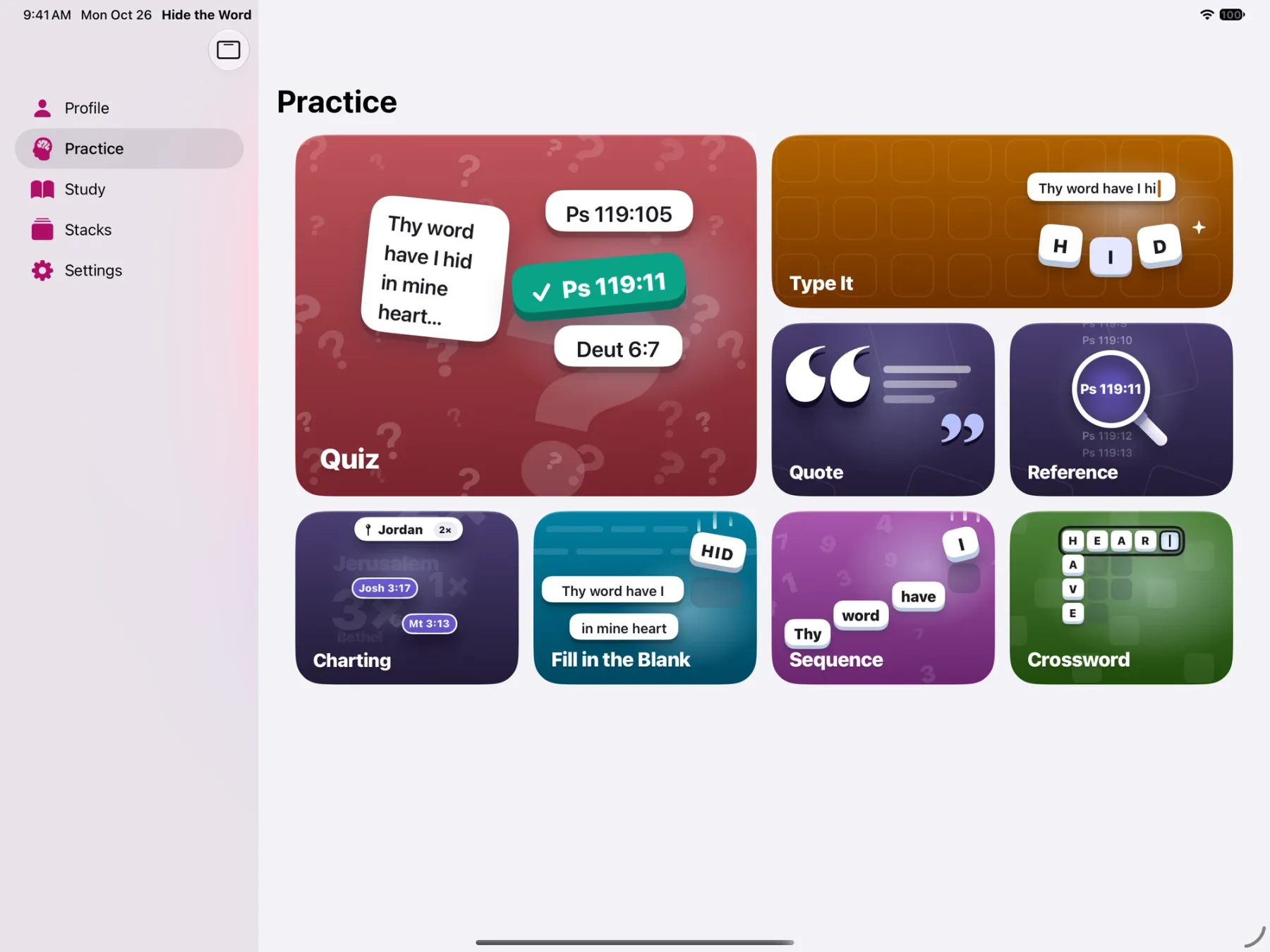
iPad Practice screen with the sidebar and eight tiles: Quiz, Type It, Quote, Reference, Charting, Fill in the Blank, Sequence and Crossword

What you can count on

Buy once
One purchase. No subscription, no in-app purchases, no ads.
Offline
Works without a signal, at home or at a tournament.
Yours
Your progress stays on your device and in your iCloud.Privacy policy
Readable
OpenDyslexic, color-blind palettes, Increase Contrast, Dynamic Type and VoiceOver.Accessibility